Karaoke Night
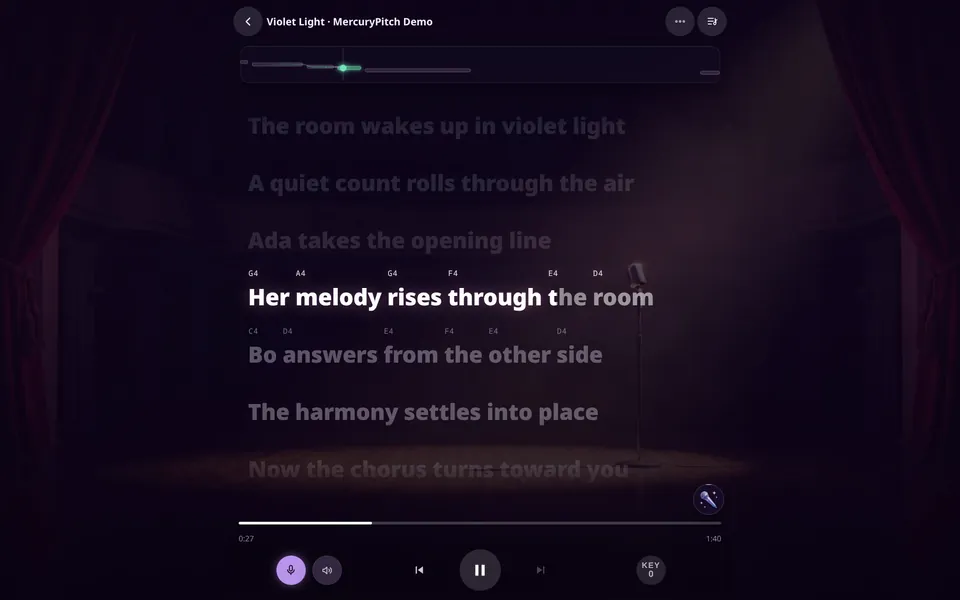
Sing over the backing track while the lyrics light up word by word.
How Karaoke Night works
Karaoke Night in Zen view. Violet Light is a demo song, sung here by a test voice.
The rooms
Singers came first. Pianists, guitarists and drummers now have rooms that check what they play against the part, and Ear Lab tests your hearing.
Sing over the backing track while the lyrics light up word by word.
Sing for a minute. Get your range, your accuracy and a voice twin.
Sing one song with up to 12 people, each on their own pitch lane.
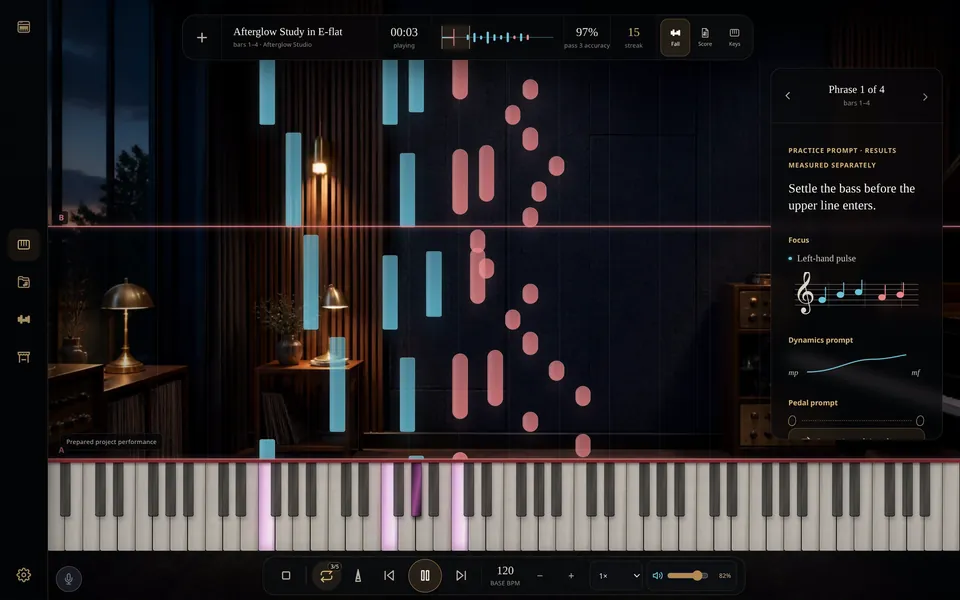
Read it falling, on a staff or on the keys, and loop the bar that won't sit.
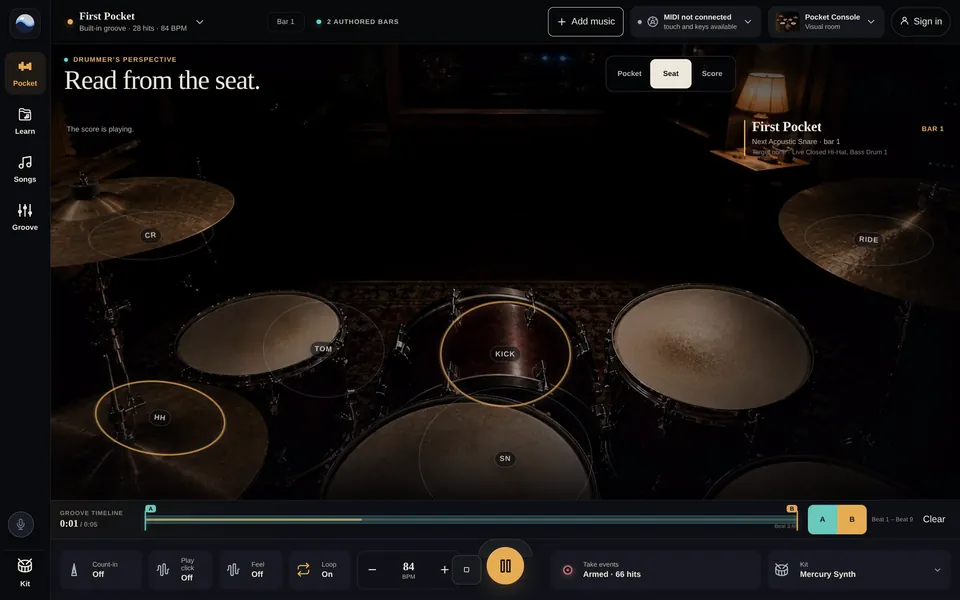
Play a groove and see how many milliseconds early or late you land.
 Vocal range test Your lowest and highest note
  Voice type test The voice band your range fits
  Pitch training Sing on pitch, scored in cents
  Vocal remover Split a song into vocals and backing
 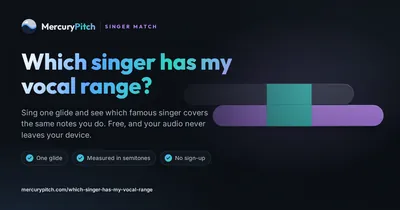 Which singer has my range? A famous singer who covers your notes
  Break Glass Hold the note until the glass breaks
 Karaoke Night
The lyrics light up word by word with the note to sing above each one, and every note you sing is drawn against the melody.
Three example songs come ready, with the vocals already separated and the lyrics timed word by word. Try singing Goodbye to Spring or Nothing in the Dark, both by Josh Woodward.
Goodbye to Spring and Nothing in the Dark by Josh Woodward, licensed CC BY 4.0. The vocals are separated and the lyrics timed for Karaoke Night.
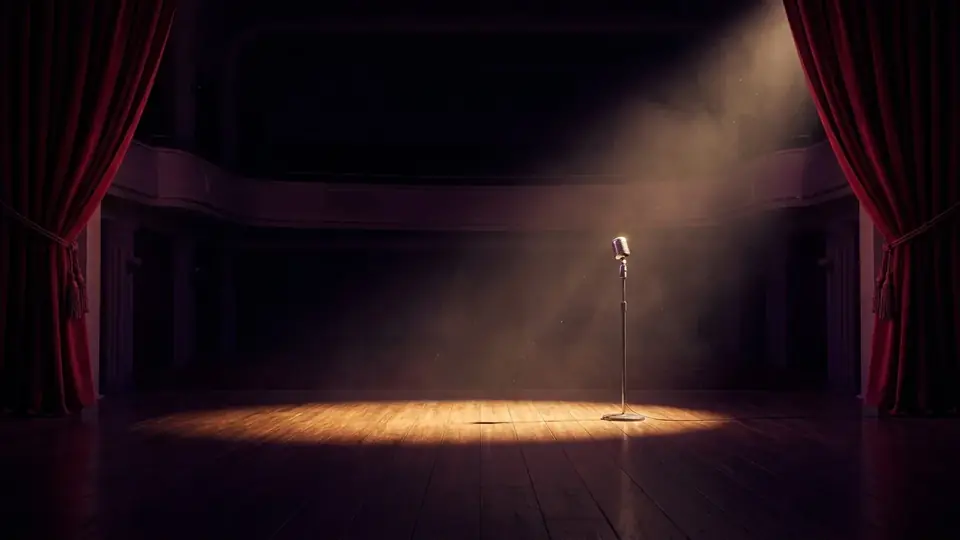
Two of these are free and three are for supporters. See the backgrounds room by room.
The Voice Mirror
About a minute, in four steps
Slide up from your lowest comfortable note to your highest, like a siren, then slide back down. Hold one note steady, and the Mirror names the legendary singer whose range lines up with yours. Then it plays five short notes for you to sing back, any octave counts, and puts your range, accuracy and steadiness on a voiceprint you can share.
Sing it again later in the same browser and your results show how your range changed since your last run.
Sing the Universe: melodies made from stars, pulsars and a black hole.
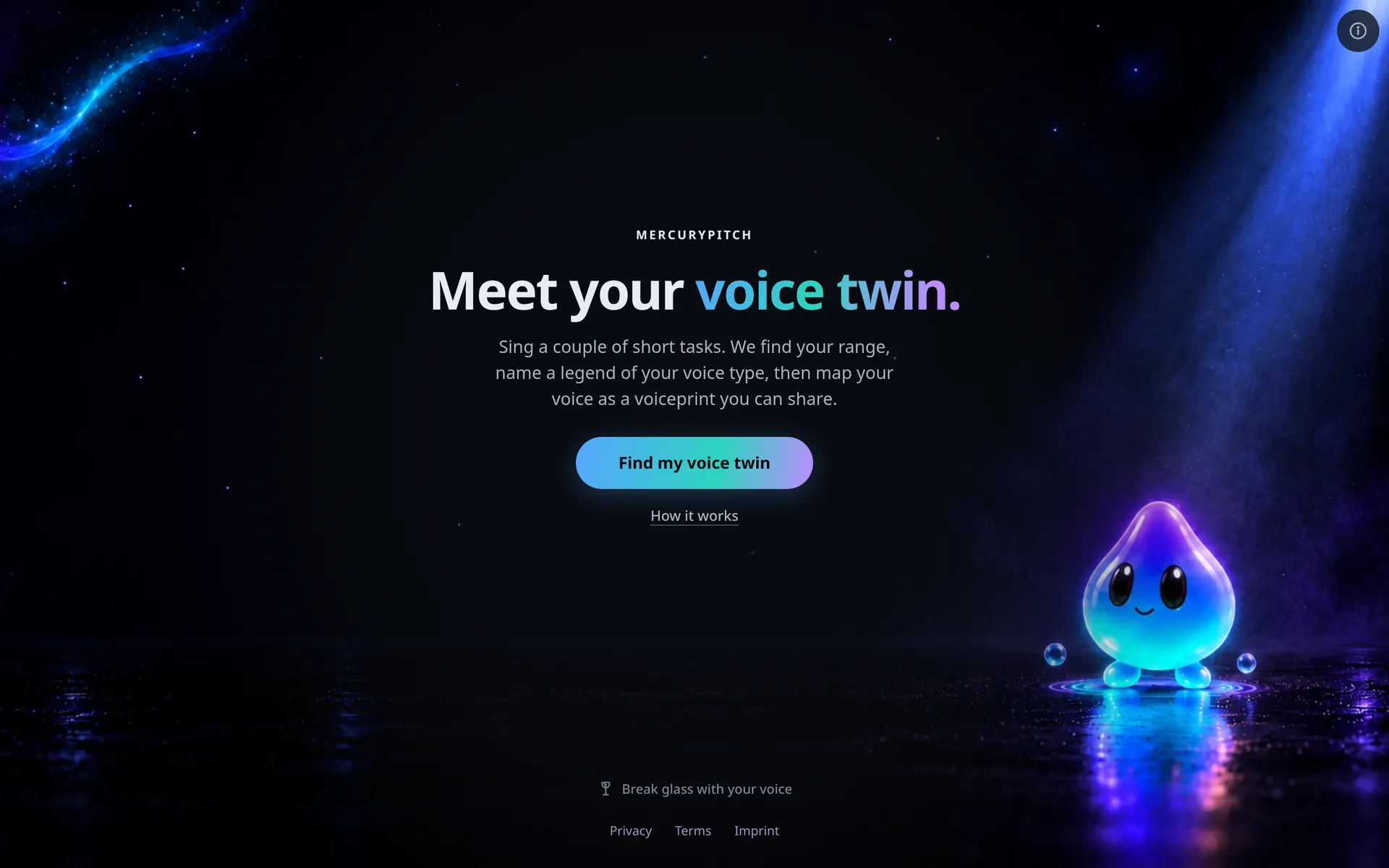
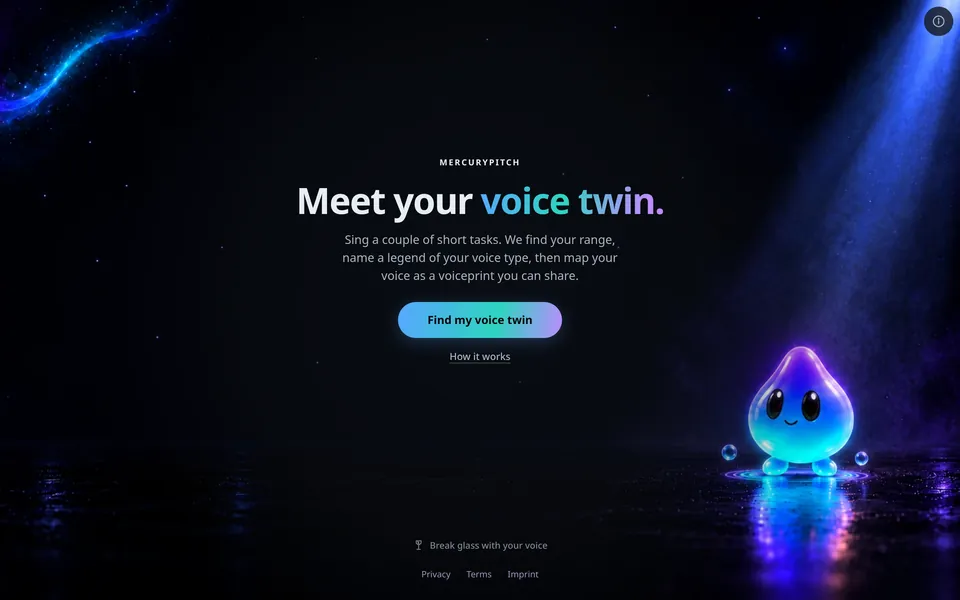
Where it starts: the Mirror's start screen.
Jam Rooms
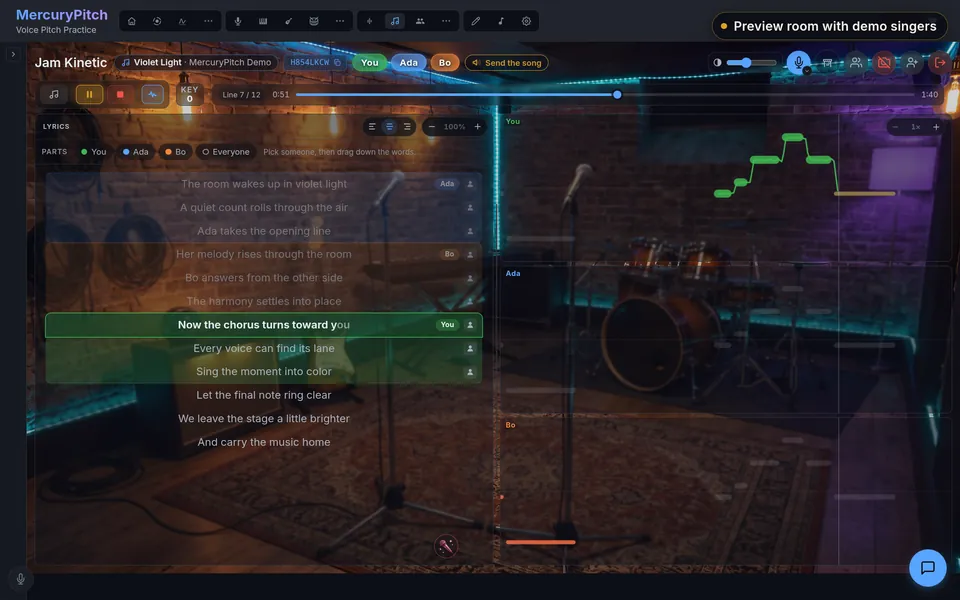
Send the link, pick a singer and drag down their lines. Up to 12 of you can sing, each on a live pitch lane.
A preview room with demo singers. Ada and Bo are stand-ins and Violet Light is a demo song; the room around them is the real Jam interface.
Piano, guitar and drums
Every note falls toward the key that plays it.
Slow a phrase to half speed and repeat it until it sits, on the screen keys or a MIDI keyboard.
The bundled Afterglow Study on repeat at 120 BPM, played on the screen keys by a test script.
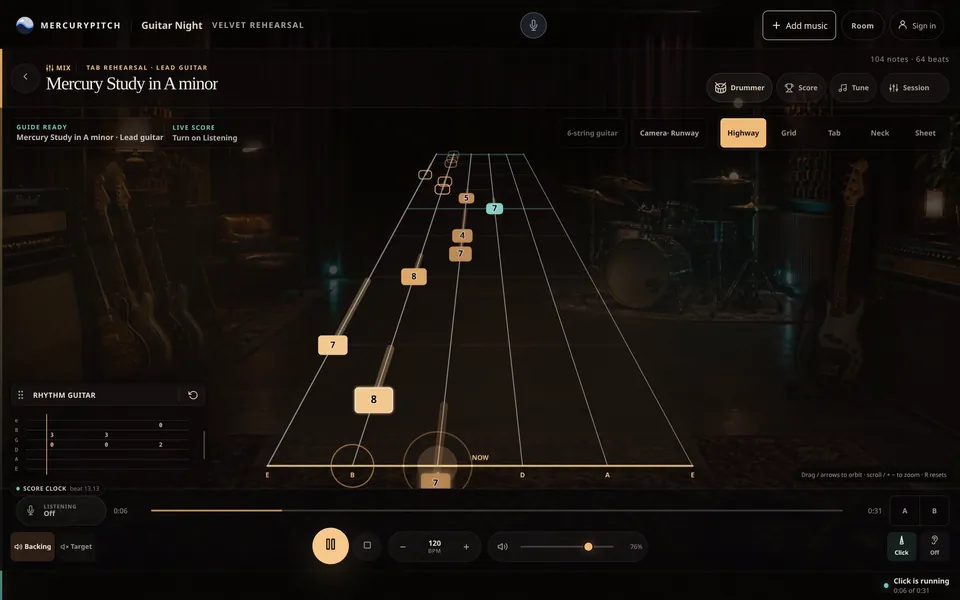
Tab that rides a highway to your fret.
Load a Guitar Pro or MIDI file, turn on Listening, and the room scores you against the part.
A synthetic 64-beat study in A minor, playing back with Listening off. Turn it on and the room scores what it hears.
Find out if you rush or drag.
Play on touch, your computer keys or an electronic kit over MIDI, and the phrase coach measures your timing in milliseconds.
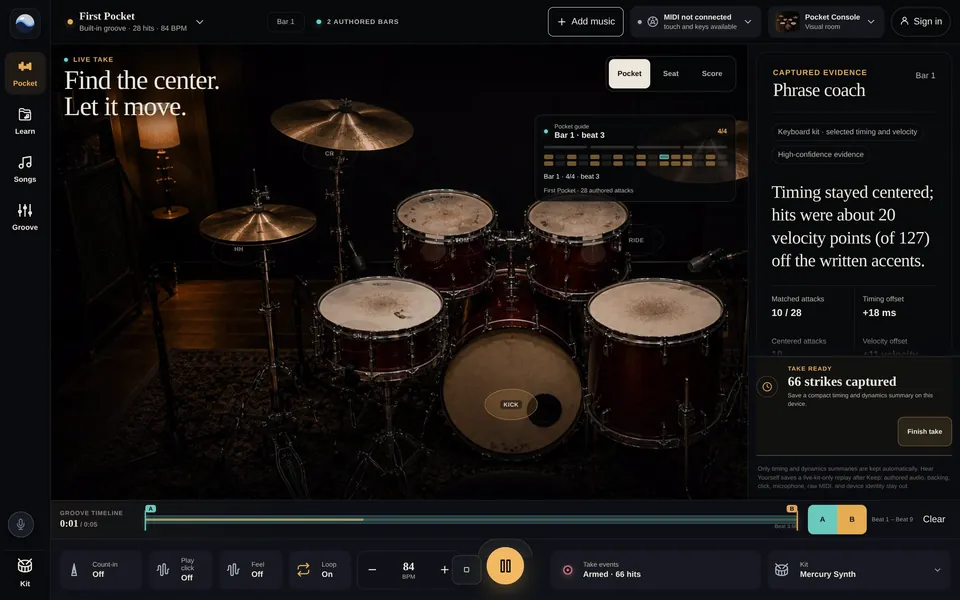
First Pocket on repeat at 84 BPM, played on the computer keys by a test script: the Pocket view, then the Score view.
Ear Lab
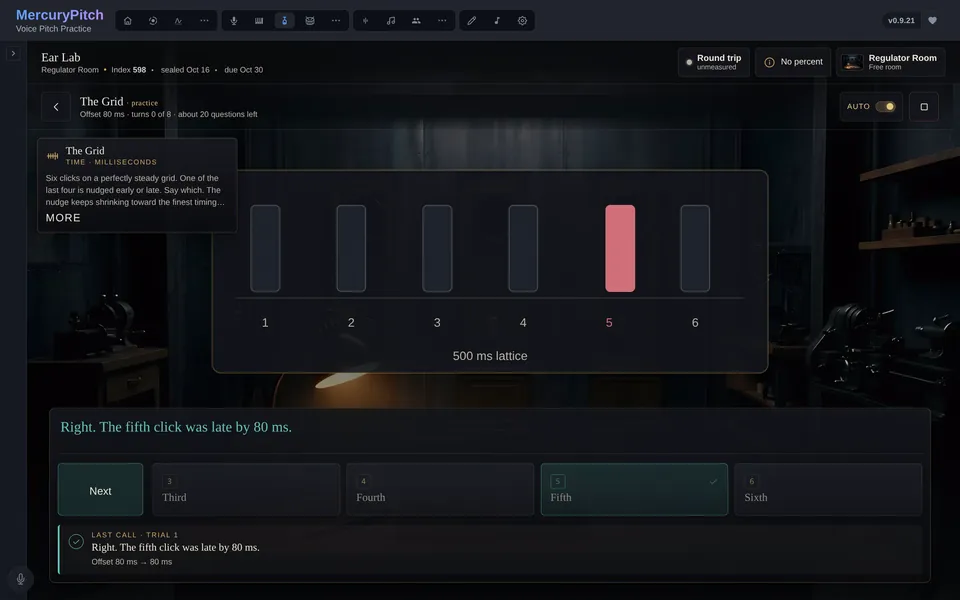
Ear Lab tests your hearing with 18 drills, read in cents, milliseconds or decibels. The Ear Report then names your mix-ups: "You answer Fa (4) as Sol (5) on 33% of attempts."
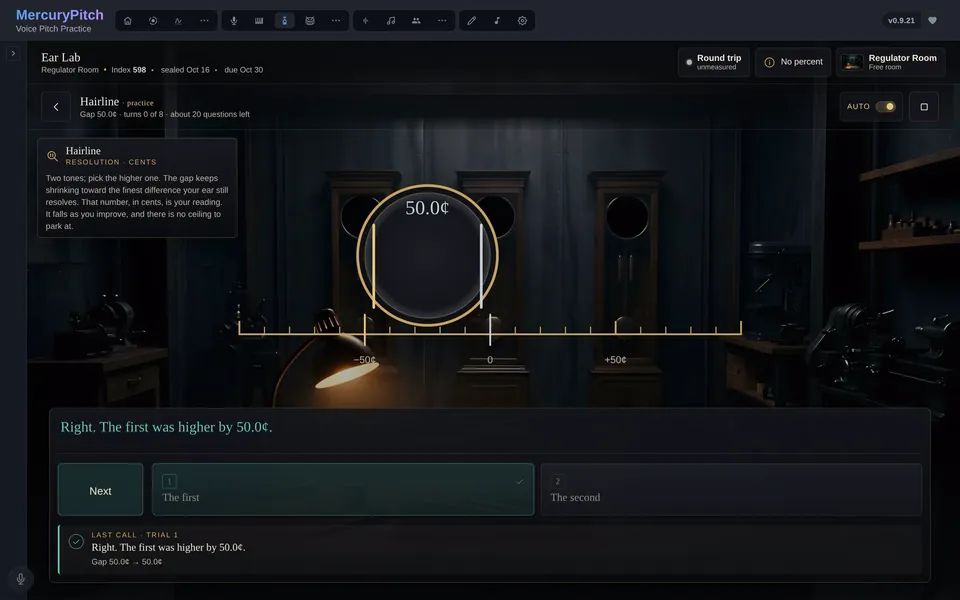
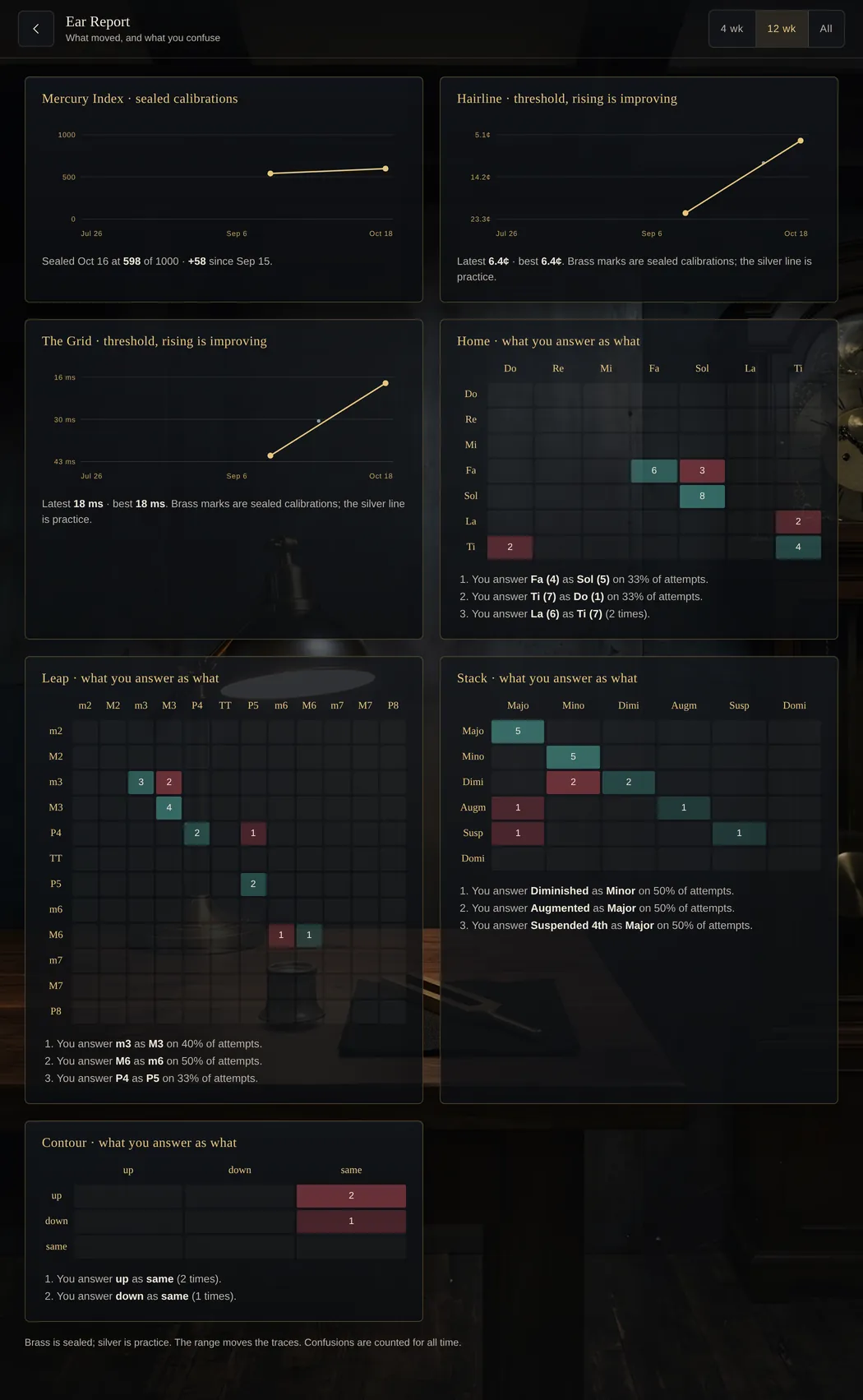
Hairline, answered by a test script, and the Ear Report, with history from a test profile.
Practice and progress
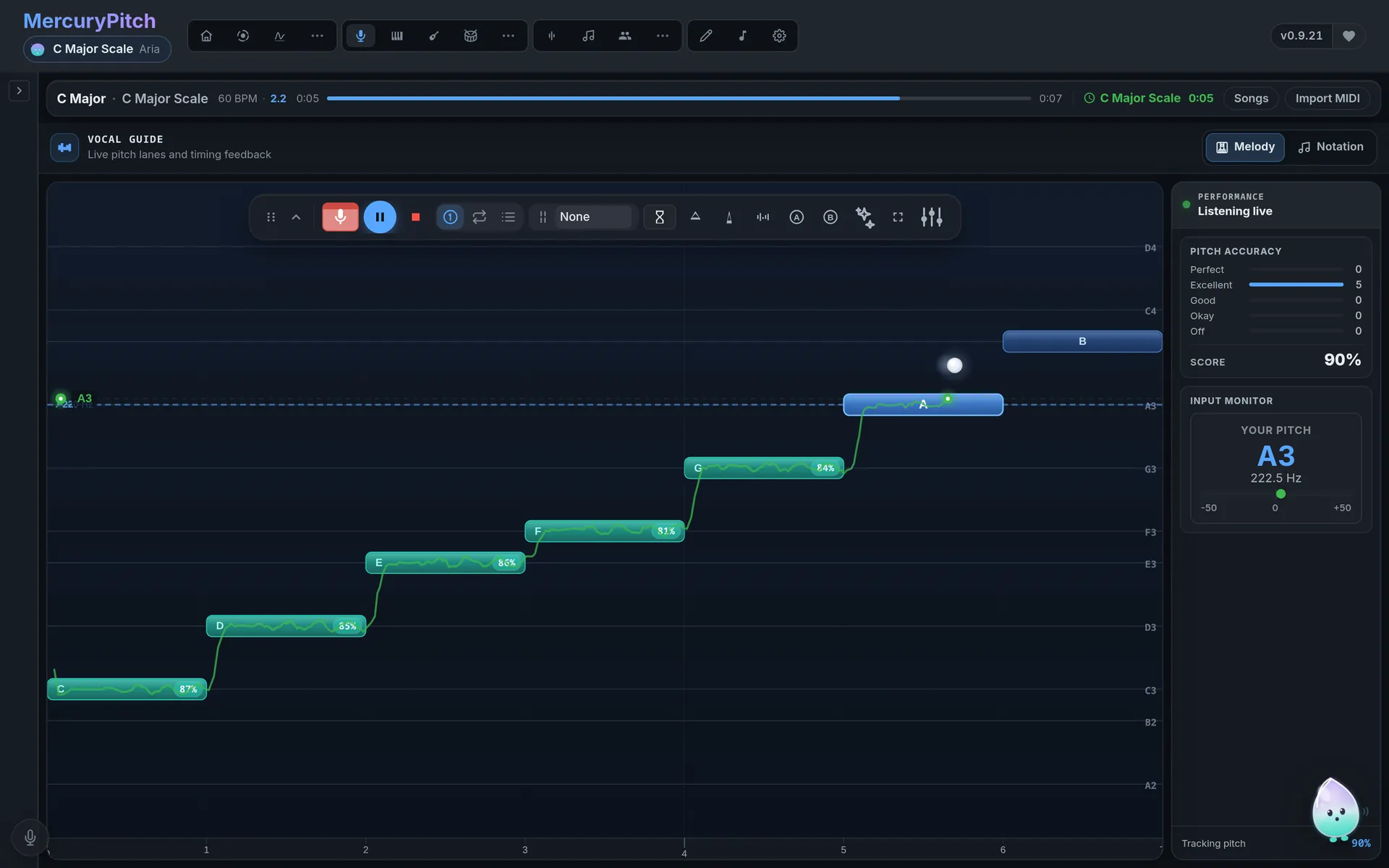
A scale exercise sung by a test voice.
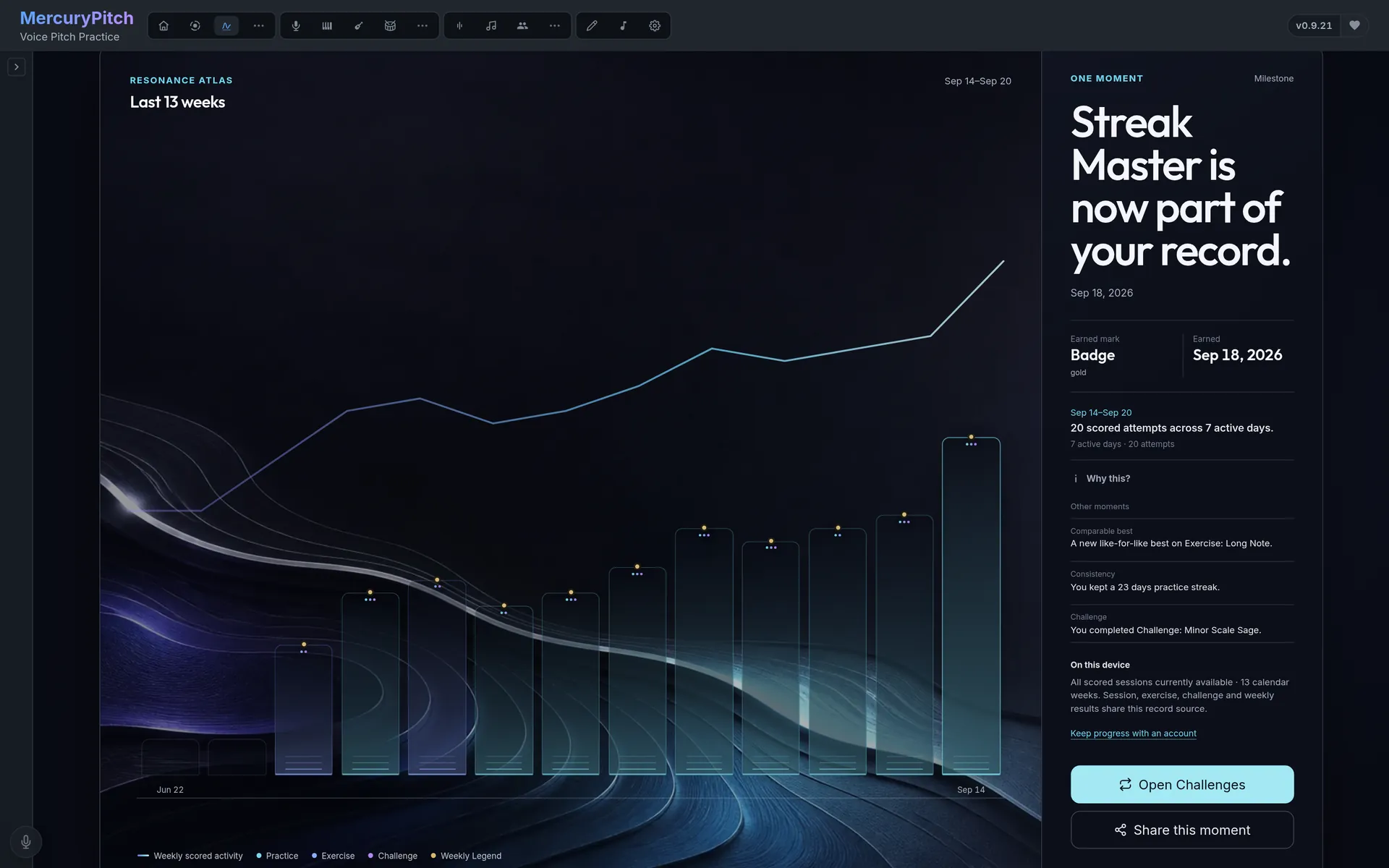
Progress from a test profile.
Twin Trails lays an older take over a newer one, and neither is stretched to fit the other. What you keep stays on your device.
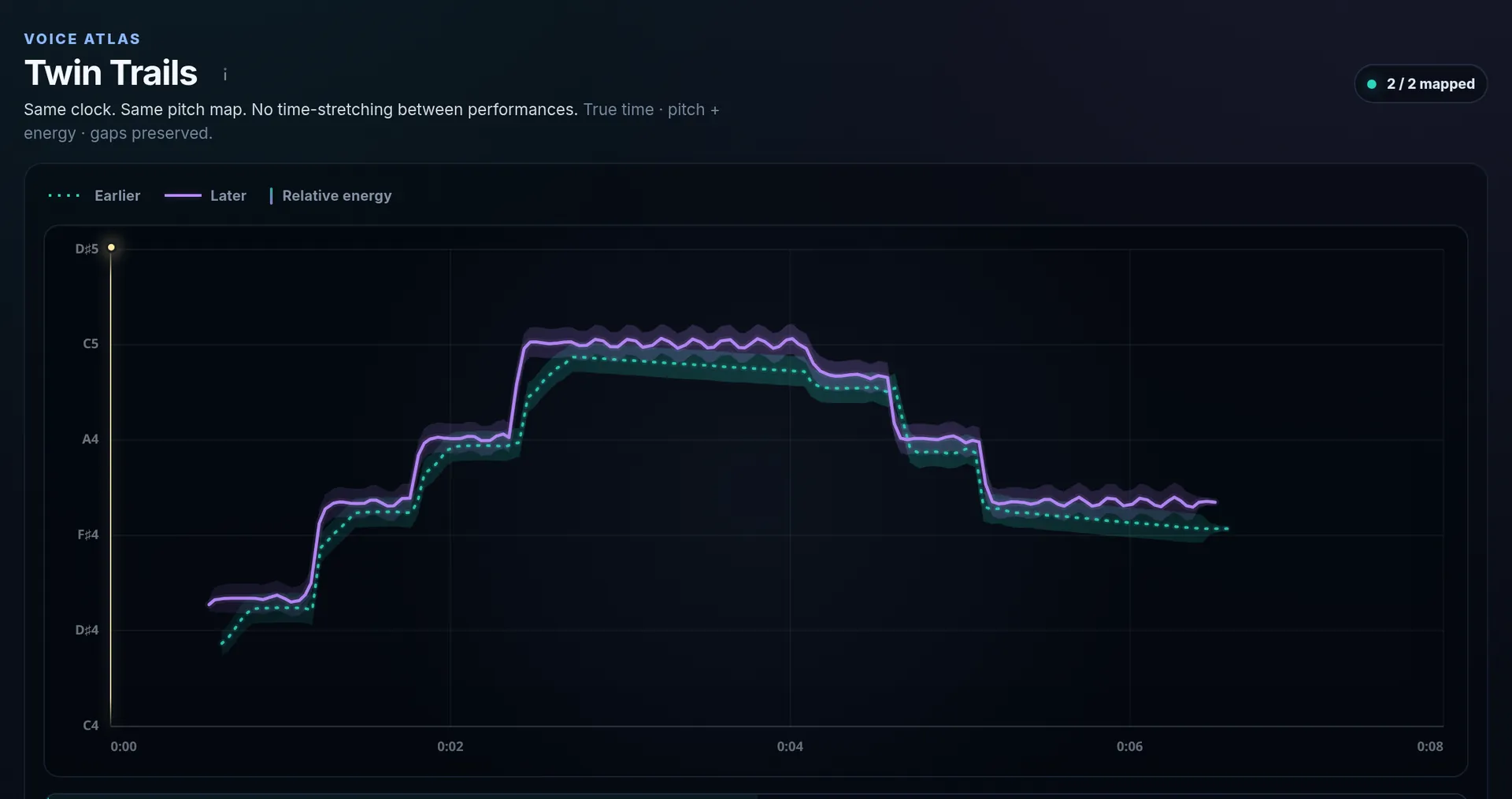
Two takes of one phrase, sung by a test voice.
Run a scale or sing a melody, and watch your pitch drawn live against each target note. A guide voice plays the note for you. There are nine of them, from Aria's loud piano to Nova's octave below.
Focus Mode clears the screen down to you and the note.
A weekly challenge to sing, and leaderboards for your league, your friends and everyone.
They need an account, and you choose whether to appear.
The pane rings at a note from your own range. Sing up to it and hold it until the cracks spread. Sixty seconds, free.
Why it's free
That's the deal, and it stays. Two things are paid: cloud GPU separation runs on credits, and supporters get extra room backgrounds.
What people said
This looks really good on the first view. The feedback for your voice looks really [good]. Will give it a deeper look.
I love this! Especially checking the intonation of the singer showing the pitch differences.
A great app that allows you to learn and have fun at the same time. Very nice design with an interesting mascot.
From people who tried MercuryPitch on Reddit and Discord, and in person.